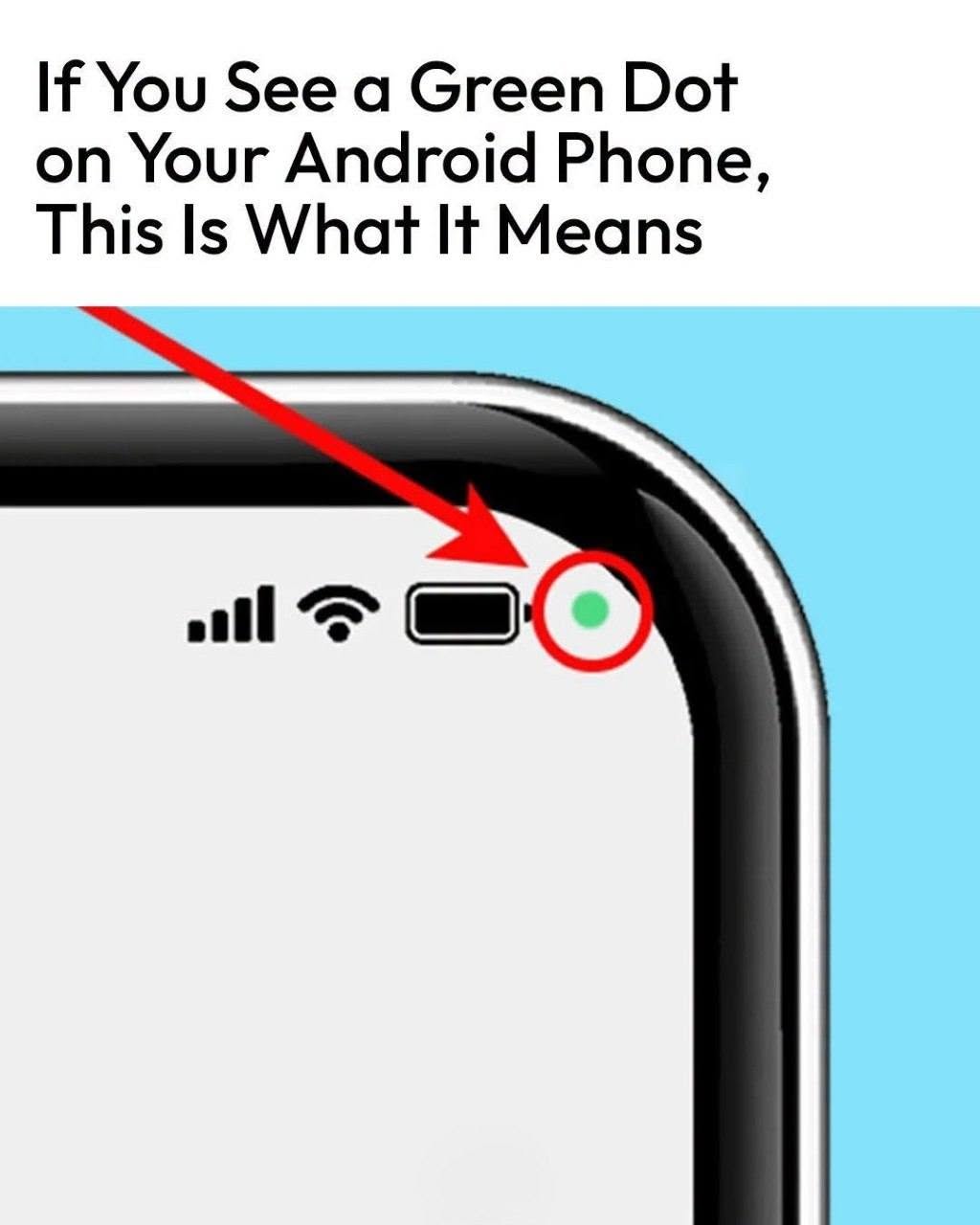
you should investigate.
Open your phone’s privacy or permission settings and review which applications have access to your camera and microphone.
Android’s Privacy Dashboard can also show which apps have accessed sensitive information, including the camera and microphone, during recent activity.
If an unfamiliar app has access that doesn’t make sense, you can revoke its permission.
You Can Turn Camera and Microphone Access Off
Android also provides system-wide controls on supported devices.
Open Quick Settings and look for the Camera access and Mic access controls. Turning them off prevents apps from accessing those sensors until you enable them again.
This gives you an additional layer of control when you want extra privacy.
What About Samsung Phones?
Samsung devices running Android 12 or later also use the green indicator.
Samsung explains that the green dot means an app is using the camera or microphone in real time. Tapping the indicator can