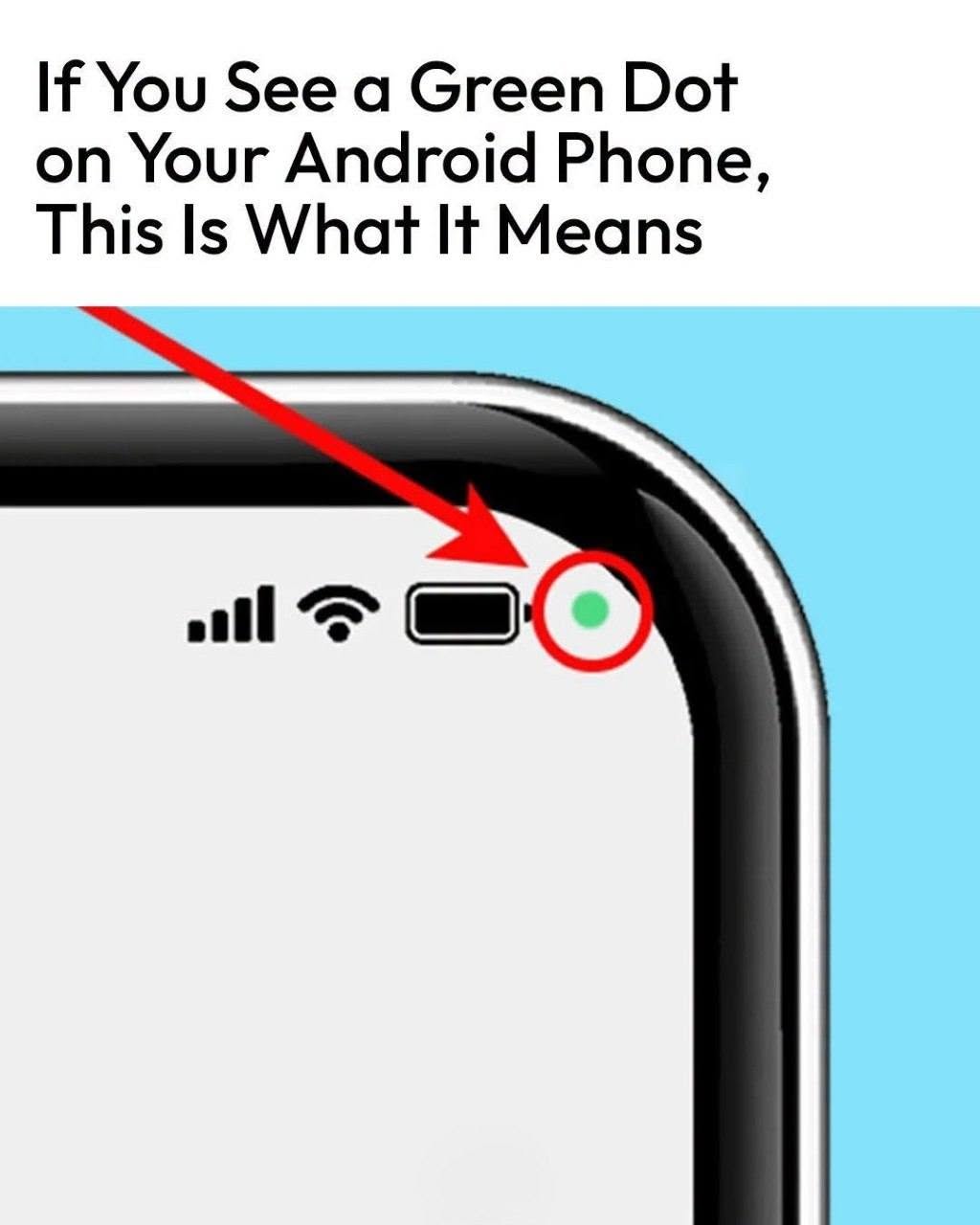
help identify the application, and permissions can be managed through the phone’s privacy settings.
The exact menus can vary depending on your Samsung model and software version.
Don’t Panic When You See the Green Dot
Seeing the green dot for a few seconds doesn’t necessarily mean someone is spying on you.
It may simply be an app performing an action you initiated.
For example, opening the camera, starting a video call, or recording a voice message can legitimately trigger the indicator.
The feature exists precisely so you don’t have to wonder what is happening behind the scenes.
A Simple Privacy Check You Can Do Today
The next time you see the green dot, take a few seconds to investigate.
Swipe down → tap the green indicator → identify the app → review its permission if necessary.
If the app’s access makes sense, there’s probably nothing to worry about.
If it doesn’t, revoke the