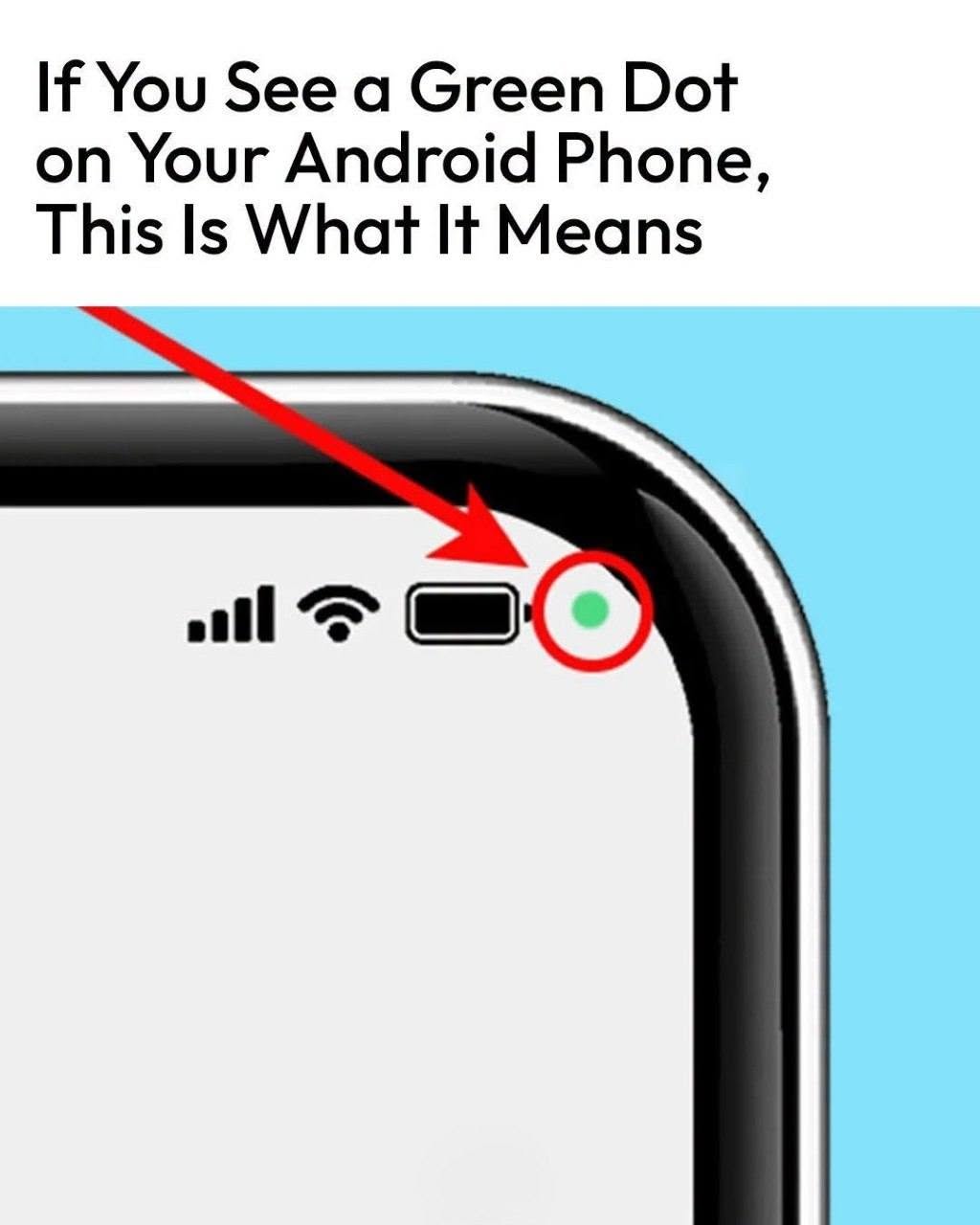
swipe down from the top of your screen and tap the indicator.
Android can show you which app or service is accessing the camera or microphone. From there, you can review the relevant permissions.
This can be particularly useful if you don’t remember giving an app permission to use your camera or microphone.
Why Would an App Need Your Camera or Microphone?
There are plenty of legitimate reasons.
For example:
- A video-calling app needs your camera and microphone.
- A voice recorder needs microphone access.
- A camera app needs access to the camera.
- A social media app may need camera or microphone access for certain features.
- A voice assistant may need microphone access when you use voice commands.
The important question isn’t simply “Is an app using my microphone?”
It’s “Does the app have a legitimate reason to use it right now?”
What If You Don’t Recognize the App?
That’s when