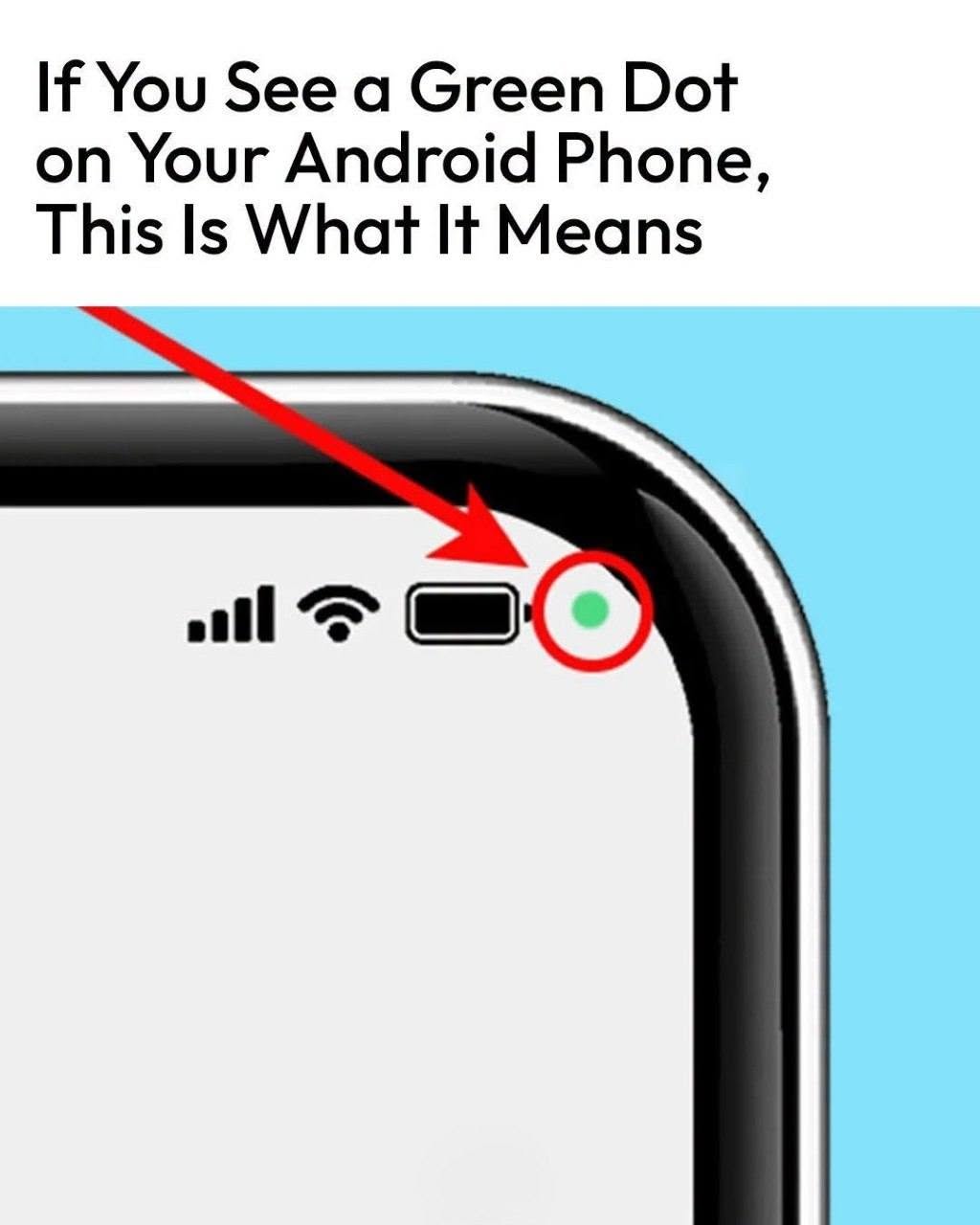
Have you ever been using your Android phone and suddenly noticed a small green dot in the top-right corner of the screen?
It can be easy to wonder whether something is wrong—or even whether an app is secretly watching or listening to you.
Fortunately, on modern Android phones, that green indicator is actually an important privacy feature.
The Green Dot Is a Privacy Indicator
On Android 12 and newer devices, a green indicator appears when an app is accessing your phone’s camera or microphone. Google designed the feature to make sensitive sensor access visible to the user.
So the green dot isn’t automatically a sign that your phone has been hacked.
It is there to tell you that an app is currently using—or has very recently used—one of these sensitive features.
How to Find Out Which App Is Using It
You don’t have to guess.
When the green indicator appears,